weBrowser

Advanced Fingerprint Masking

Total privacy with unique digital identities drawn from a real device database.

Manipulates critical browser fingerprints such as Canvas, WebGL, AudioContext, Fonts, and Hardware specifications. By simulating Windows, macOS, Linux, Android, and iOS operating systems, it creates a consistent and unique digital identity for each profile based on real device data.

Mobile Emulation & Pixel Scaling

Realistic mobile experience simulating touch events and logical pixel structure.

Optimized for Android and iOS devices. It delivers a natural mobile view by converting physical screen resolutions of mobile devices into logical pixels (Logical Pixel Scaling). Additionally, it supports

Smart Cookie Robot & Warm-up

Boost trust scores by automatically browsing before risking your accounts.

Before utilizing your profiles in operations, it visits specified websites in the background to build a cookie history (Warm-up). This process increases the credibility (Trust Score) of your accounts in the eyes of platforms. It also supports importing/exporting cookies in JSON format.

Complete Profile Isolation

Each profile operates within an independent and isolated capsule.

Every created profile possesses its own cookies, cache, and Local Storage. Data leakage or detection in one profile never affects the others. This structure makes cross-tracking between accounts impossible.

Flexible Proxy Management

Prevent conflicts and association by assigning unique IPs to each profile.

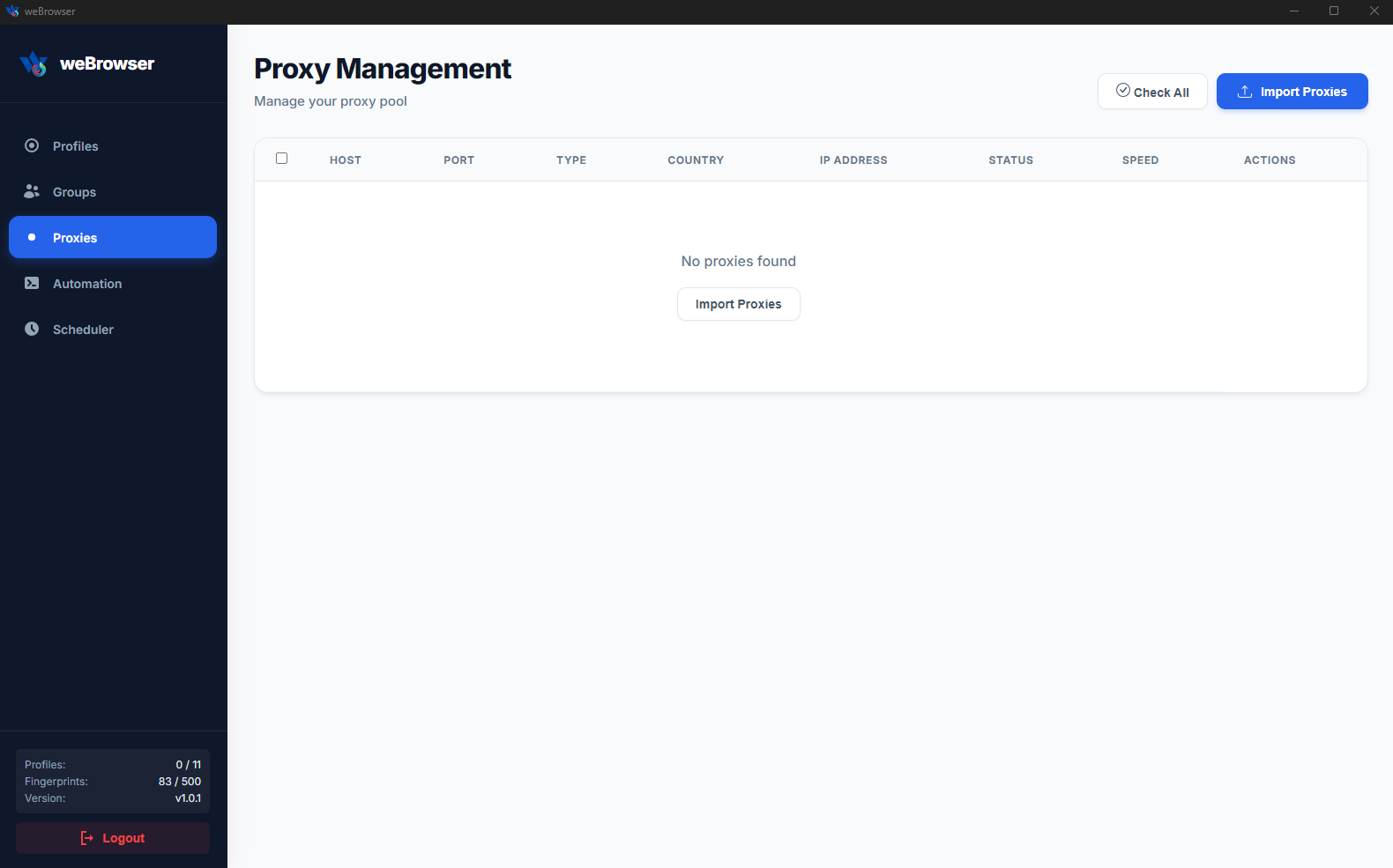
Fully supports HTTP, HTTPS, and SOCKS5 protocols. It automatically manages username and password authentication processes. By assigning a different proxy to each browser profile, you can isolate your accounts across different locations and IP addresses.

Multi-Account Management

Safely manage hundreds of different accounts from a single computer.

Designed for e-commerce, digital marketing, and social media management. You can create unlimited digital identities and centralize your operational processes on a single physical device without getting caught by platform tracking mechanisms.

AI-Powered Code & Scenario Generation

Instantly turn complex processes into automation with a single prompt or .js code.

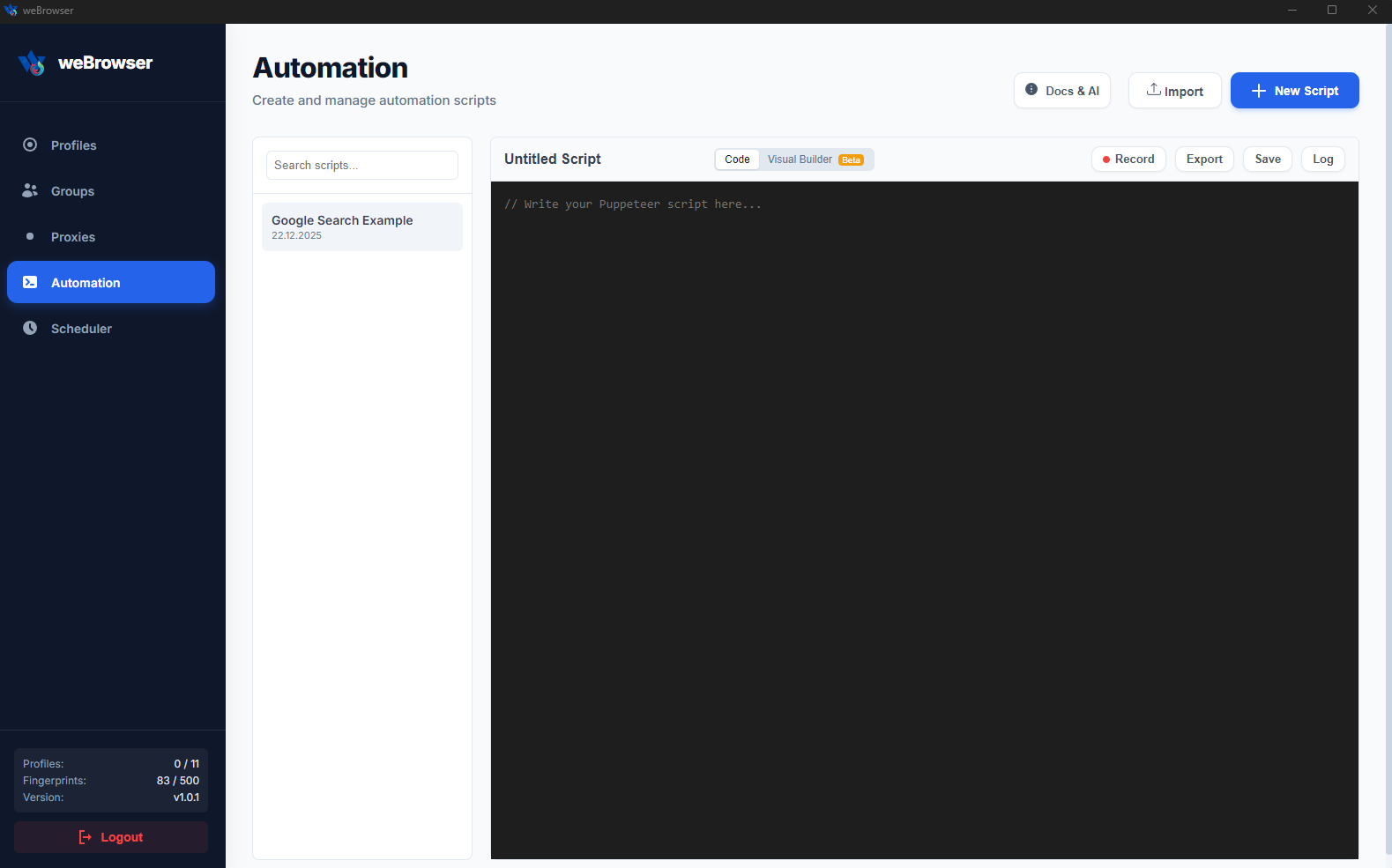
Even without coding knowledge, you can create custom automation scenarios by entering a single command (prompt) thanks to AI support. Additionally, you can integrate existing JavaScript (.js) codes into the system, transforming single-page scripts into professional bots within seconds.

Drag-and-Drop (No-Code) Automation

Design your own bot with visual blocks without the need for coding.

Thanks to its advanced visual interface, you can create your operations using the

Scheduler & Auto Farming

Let the system work while you sleep; manage farming and routine tasks fully automatically.

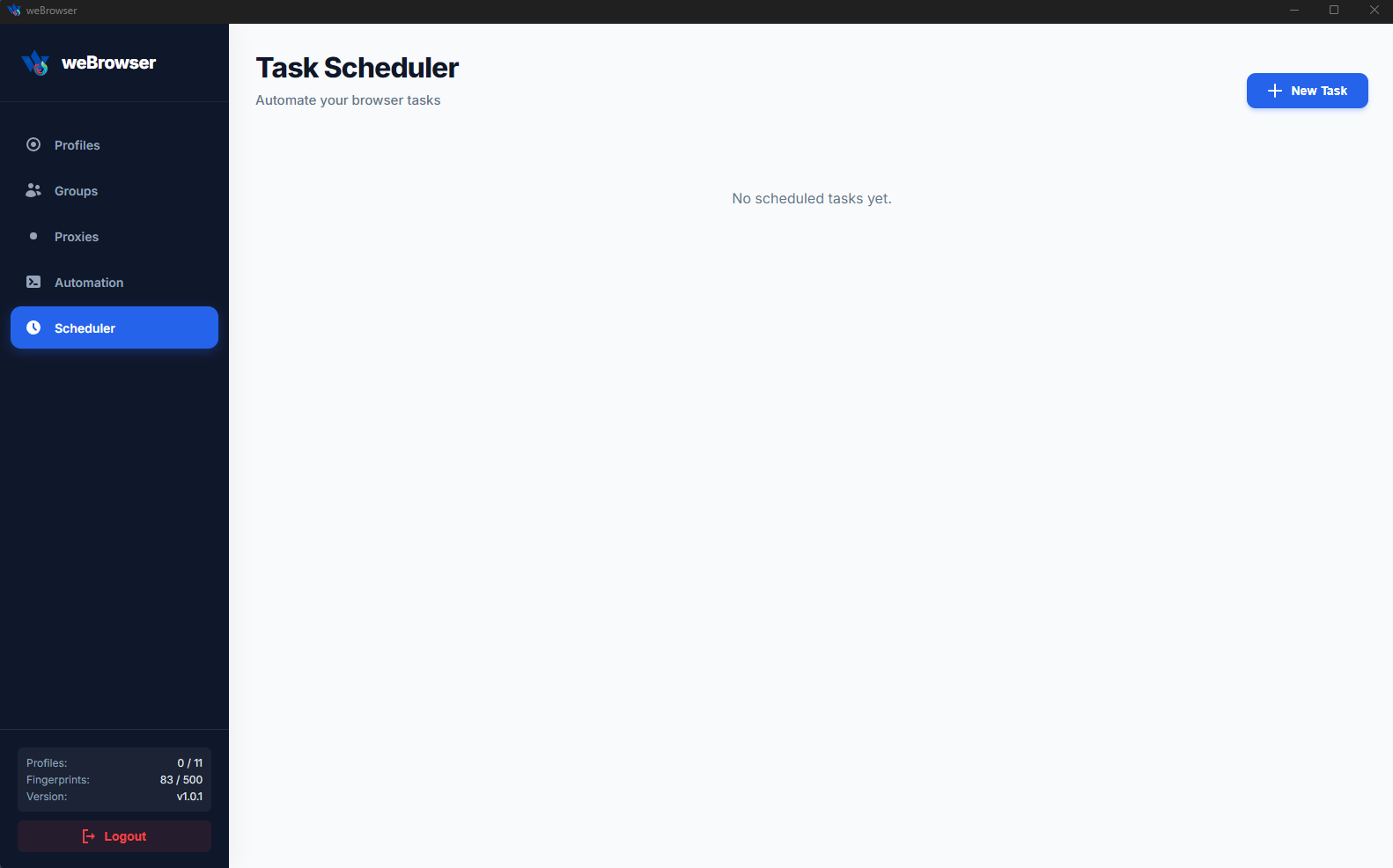
With the advanced Scheduler feature, you can spread your tasks across specific hours, days, or periods. Especially in Airdrop, gaming, or account leveling (Farming) operations, the system works 24/7 without your intervention, maximizing your operational efficiency.

weBrowser

weBrowser is a next-generation Anti-Detect Browser software designed to protect your identity in the digital world, secure multi-account management, and automate your operational processes.

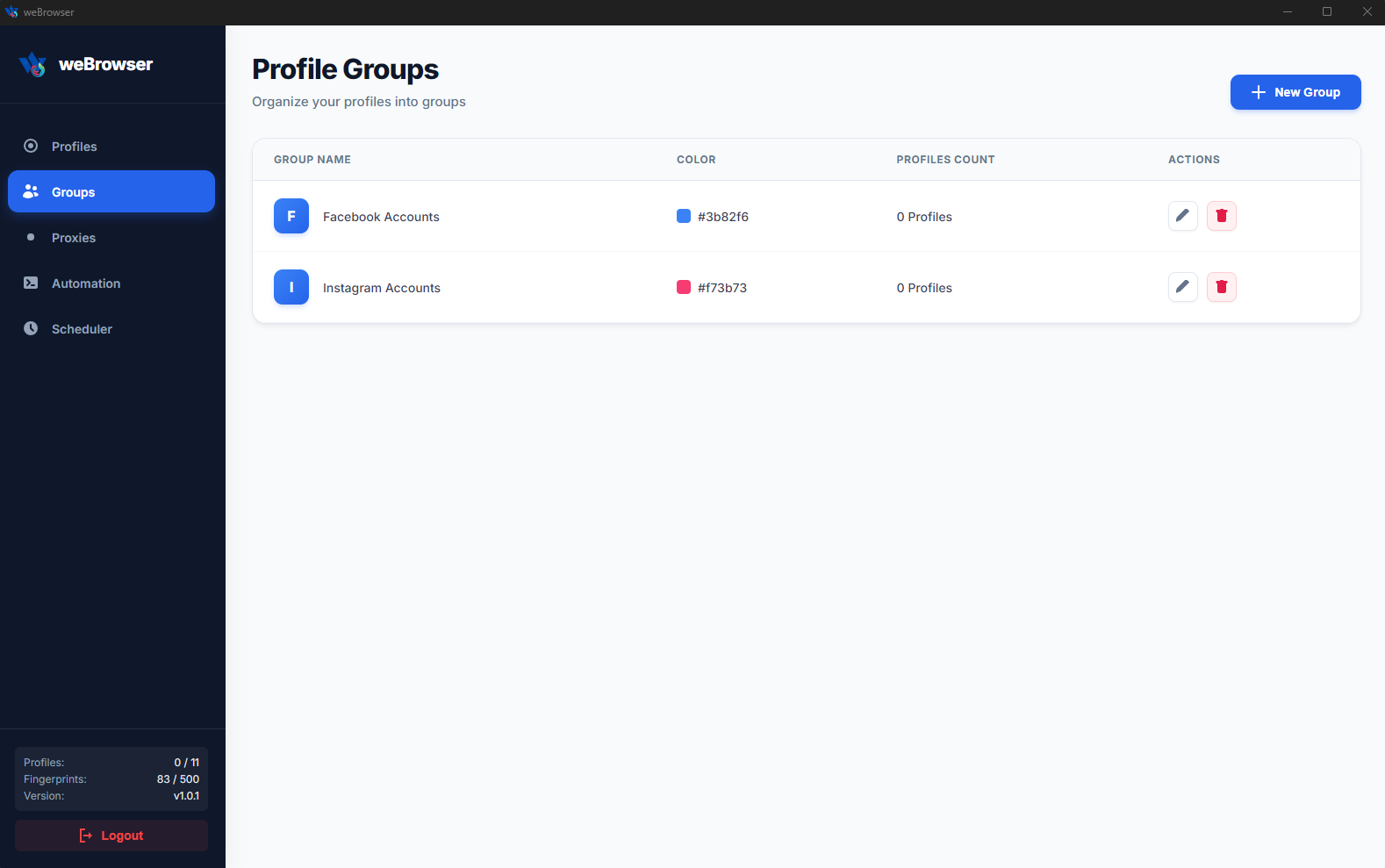
Developed for professionals working in e-commerce, digital marketing, social media management, and advertising, weBrowser equips each browser profile with a completely isolated digital identity (fingerprint). This allows you to securely manage hundreds of different accounts from a single computer without triggering the tracking mechanisms of platforms.

Key Features

Advanced Fingerprint Management

  • Masks critical browser fingerprints such as Canvas, WebGL, AudioContext, Fonts, and Hardware features.
  • Creates consistent and unique digital identities from the real device database.
  • It can simulate Windows, macOS, Linux, Android, and iOS operating systems.

Mobile Device Emulation

  • Profile structures specially optimized for Android and iOS devices.
  • It provides a natural mobile browser experience by converting the physical screen resolutions of mobile devices into logical pixels (Logical Pixel Scaling).
  • Simulates touch events.

Smart Cookie Management and Robot

  • Cookie Robot: Before you start using your profiles, it automatically visits the websites you specify to build up a cookie history (warm-up process). This increases the credibility of your accounts.
  • Ability to import/export cookies in JSON format.

Flexible Proxy Integration

  • Supports HTTP, HTTPS, and SOCKS5 protocols.
  • Automatically manages username/password verification.
  • You can assign a separate proxy for each profile, thus preventing IP conflicts.

Complete Isolation

Each profile has its own cookies, cache, and local storage. A data leak in one profile never affects the others.
 

Legal Disclaimer: It is the user's sole responsibility to use this software strictly in accordance with the Terms of Service (ToS) of target websites and within applicable legal frameworks. The user assumes all legal liability in cases of spam, unauthorized access, service disruption, or any form of misuse. The providing company accepts no liability for any account restrictions, blocks, or legal violations arising from the use of this software.

Installation Instructions

Installation Instructions

1. Download: After your purchase, download the `weBrowser Setup.exe` file sent to you or downloaded from the panel to your computer.
2. Installation: Double-click the downloaded `.exe` file to launch the installation wizard. The software will automatically install the necessary files.
3. Run: Click on the weBrowser shortcut on your desktop to open the application.
4. License Activation: Paste the License Key you purchased into the relevant field on the login screen and click the "Log In" button.
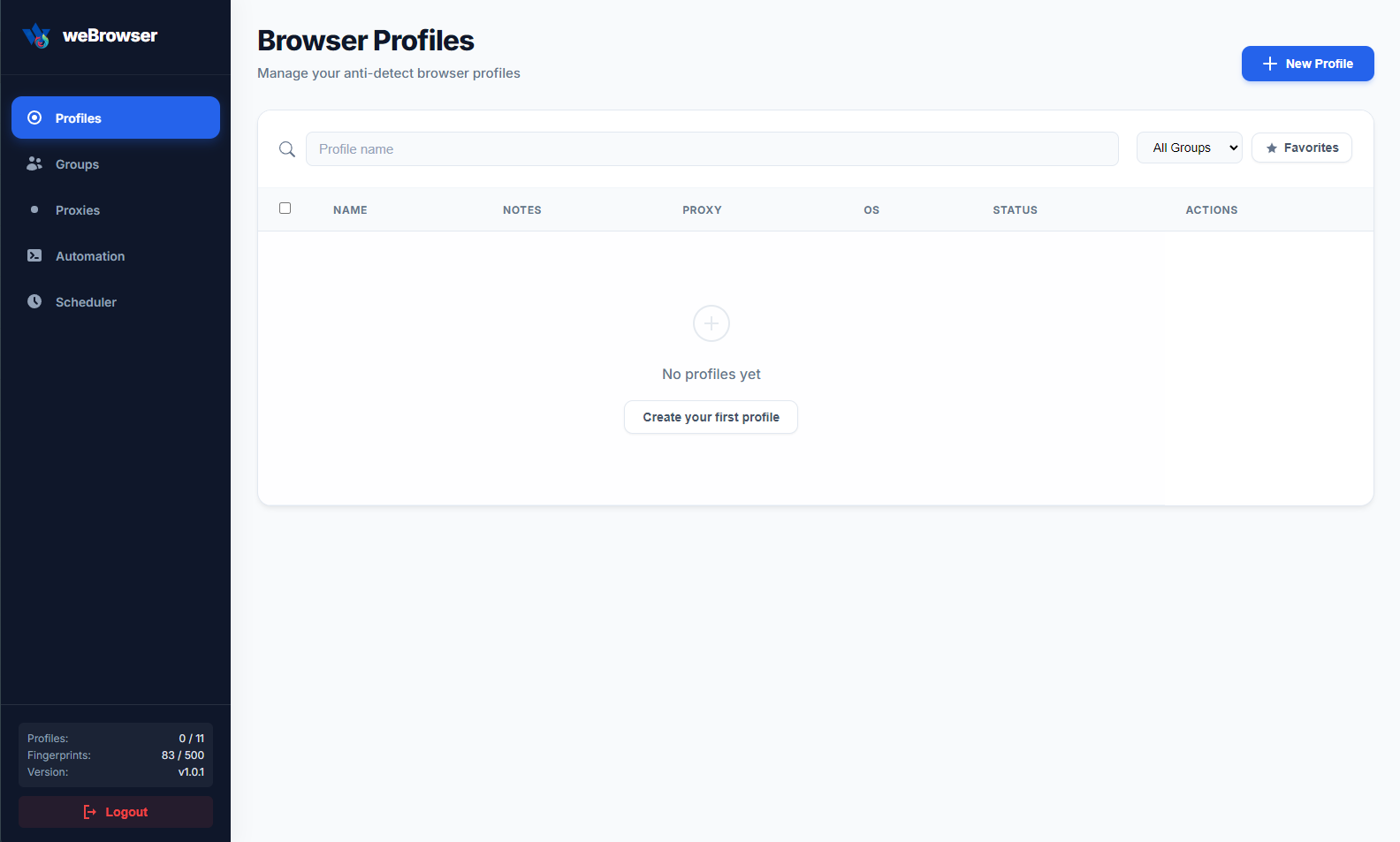
5. Ready: Once activation is successful, you will be redirected to the profile management panel. You can start working immediately by clicking "Create New Profile."

Update Version History

v1.0.2 - January 26, 2026

  • Automation processes have been improved.
  • Memory usage has been optimized.
  • Turkish language support has been added.

weBrowser

$15 / monthly
  • WeBrowser Batch Create and Manage Profiles on the Same Computer
Server Requirements
For Windows Systems Only!

Minimum System Requirements

- 4GB of RAM
- 2 Core CPUs